Windows
Download the VuePilot CLI for Windows (x64).
DownloadProgrammatically control your VuePilot managed screens using the VuePilot CLI. Trigger notifications and content updates from build pipelines, monitoring tools or any automated process.
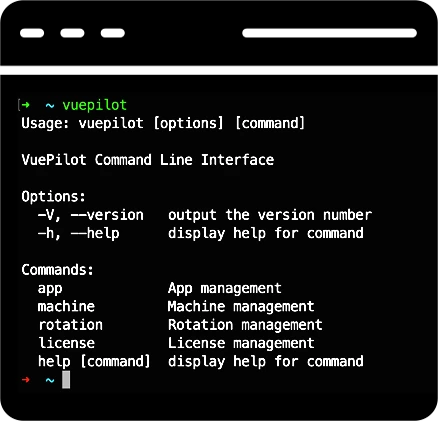
Send notifications, update app configurations and restart rotations across your entire fleet with a single command. Wire VuePilot into your CI pipelines, monitoring tools and shell scripts to keep your team informed without ever opening the dashboard.
$ vuepilot notify --type alarm --message "Build failed on main"
→ Sent to 12 screens · 200 OK

$ vuepilot rotation reload --group lobby
→ Reloaded 4 screens in "lobby"

$ vuepilot app update announcement --text "All hands at 3pm"
→ Updated · synced via CDN

$ ▍
A single binary per platform. No runtime, no installer, no fuss.
Download the VuePilot CLI for Windows (x64).
Download
Download the VuePilot CLI for Mac (Arm64).
Download
Download the VuePilot CLI for Linux (x64).
Downloadvuepilot command.
Read the VuePilot CLI documentation for the full command reference.
Display notifications and alerts on your screens with the VuePilot CLI in response to system events or external triggers such as continuous integration pipelines or monitoring tools.

Alert your staff with custom alarms and notifications on screens around your business.
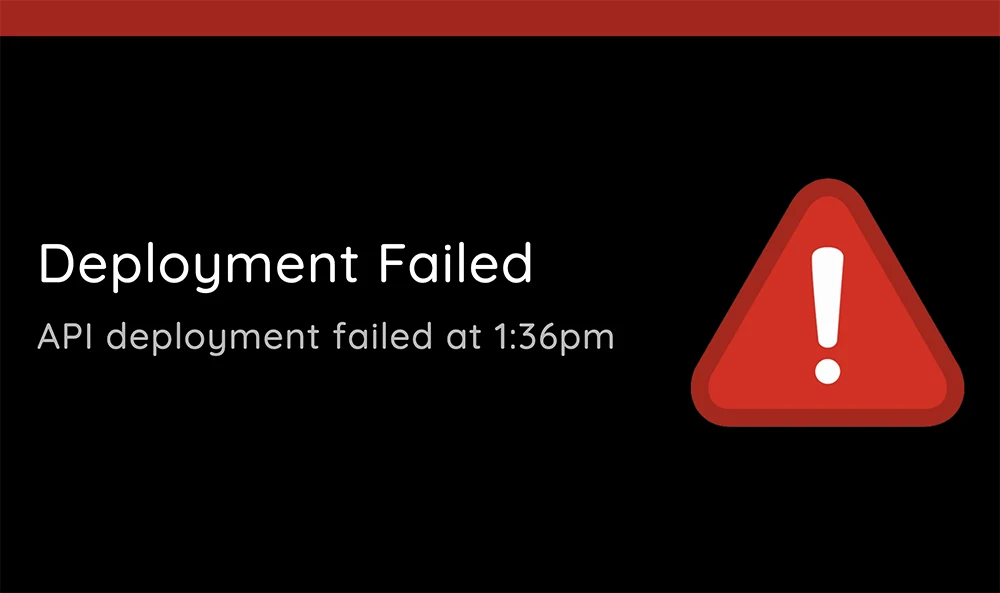

Display warnings and notifications about potential alarms, build failures or alerts from monitoring tools.
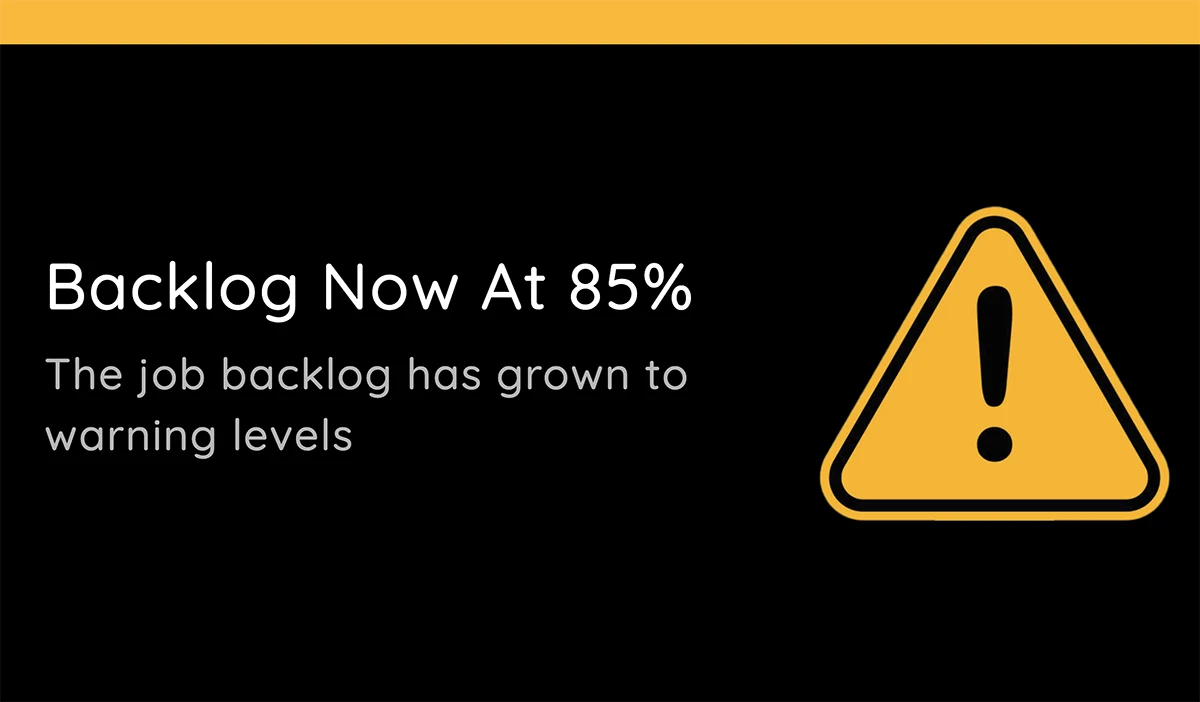

Display information and messages on screens around your workplace, triggered by your scripts or systems.
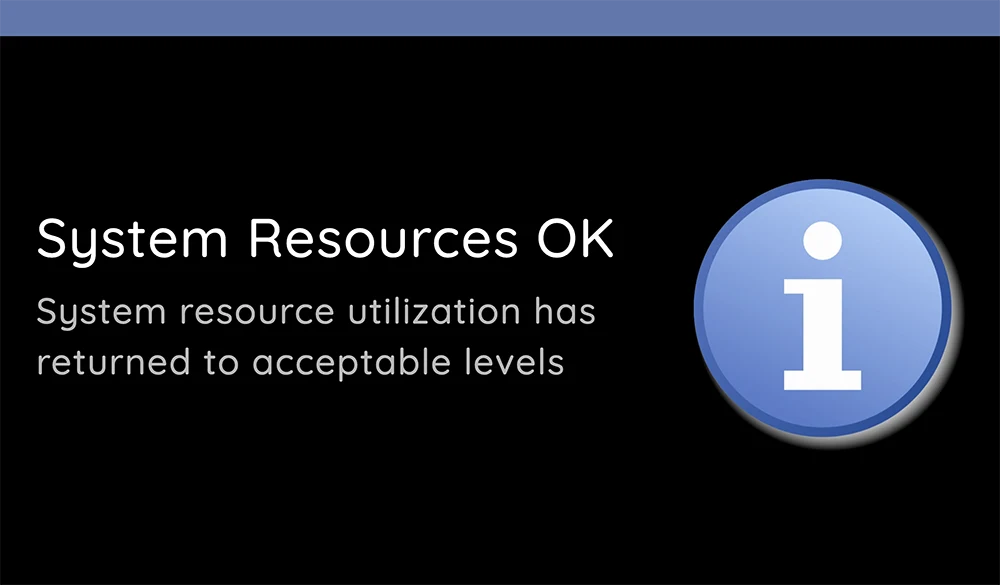
Use the CLI to manage content and command your fleet of screens, all from a script.
Programmatically update your app configs and screens with new images or content.
Trigger app configuration updates in response to external events or system changes and have your fleet of screens automatically update.
Send commands to your entire fleet of screens from the command line to reload configurations, restart apps or stop and start rotations.
Automate your screen management tasks with the VuePilot CLI.
Easily display dashboards, video, images, PDFs & more on screens in your business. Get up and running with a free 14 day trial.
Pay monthly or yearly and save 20%. Use your licenses for any device.
So simple anyone can use it. Get up and running in minutes, so you can get back to work.